Practice without
waiting for the robot
Write the code, tune the auto and train the drivers while the real robot is still in pieces.
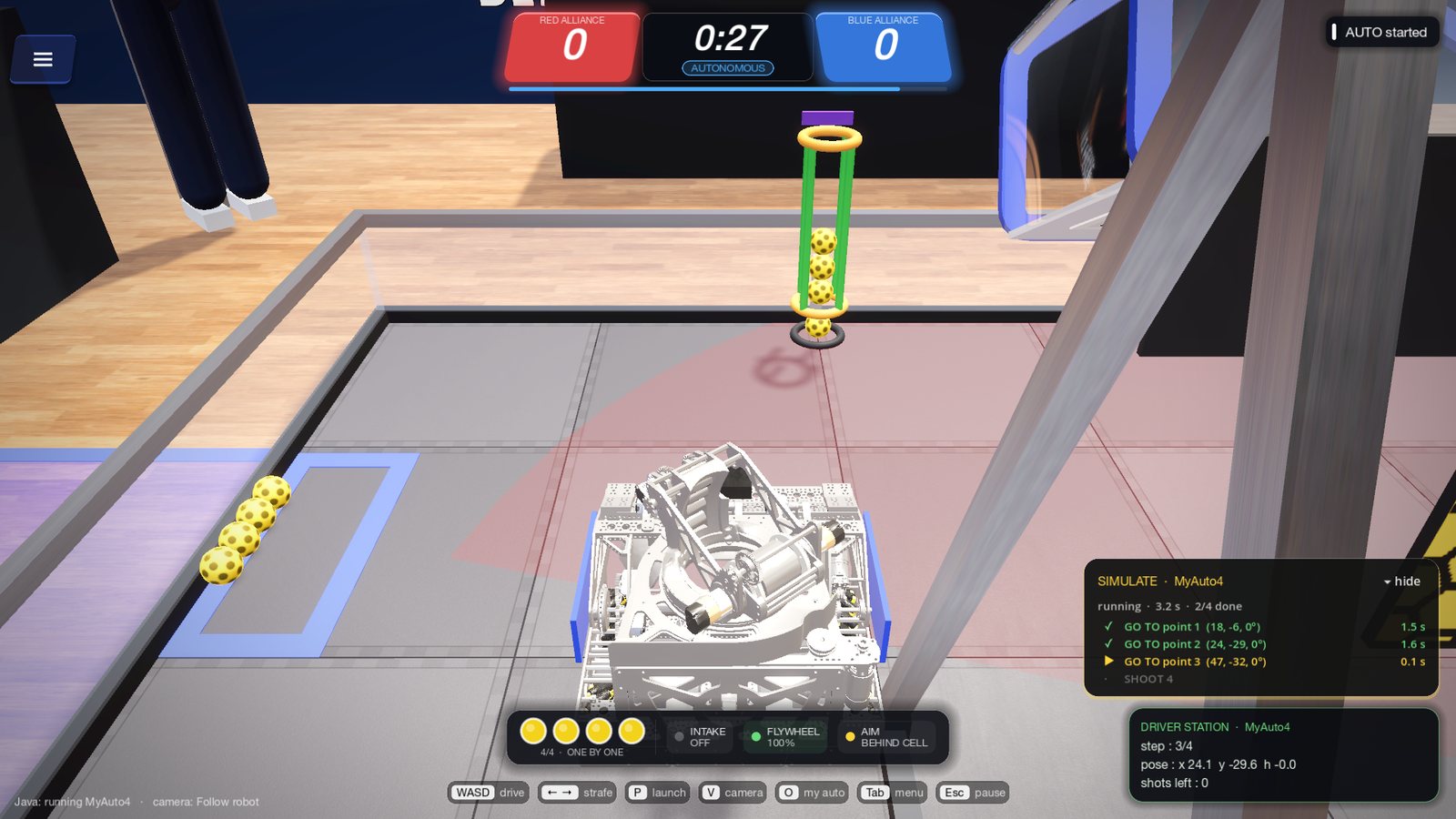
Your real Java,
on a simulated robot
Your TeamCode compiles against a simulated control hub and drives the robot exactly like on the real one. Telemetry, logs and errors show up as you play.
hardwareMap, motors, encoders, servos, IMU, Pinpoint, Limelight and sensors- Pedro Pathing and Road Runner run as they do on the robot
- Java is built in: nothing to install
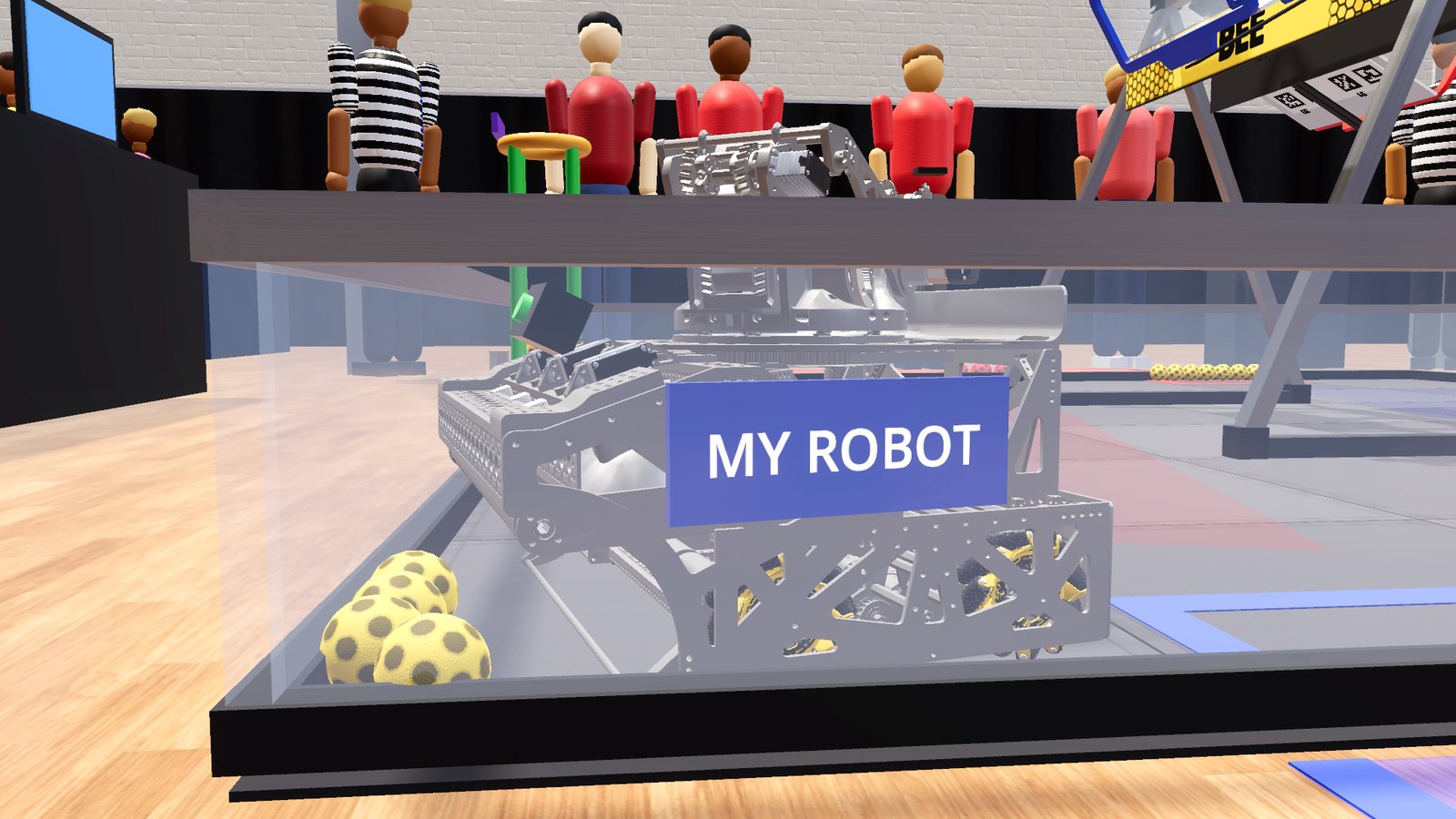
Bring your
own robot
Import your CAD in the CAD Studio and it drives on the field with your mass, speed and motors. Or build a robot from blocks in minutes: intake, turret, launcher, camera and sensors.
- CAD Studio: GLB, FBX, OBJ, 3MF or STL, as detailed as you want, with turrets that turn
- Motor names and directions set by hand, or read from your Driver Station XML or code (Beta lab)
- Checks the 18 in start size for you
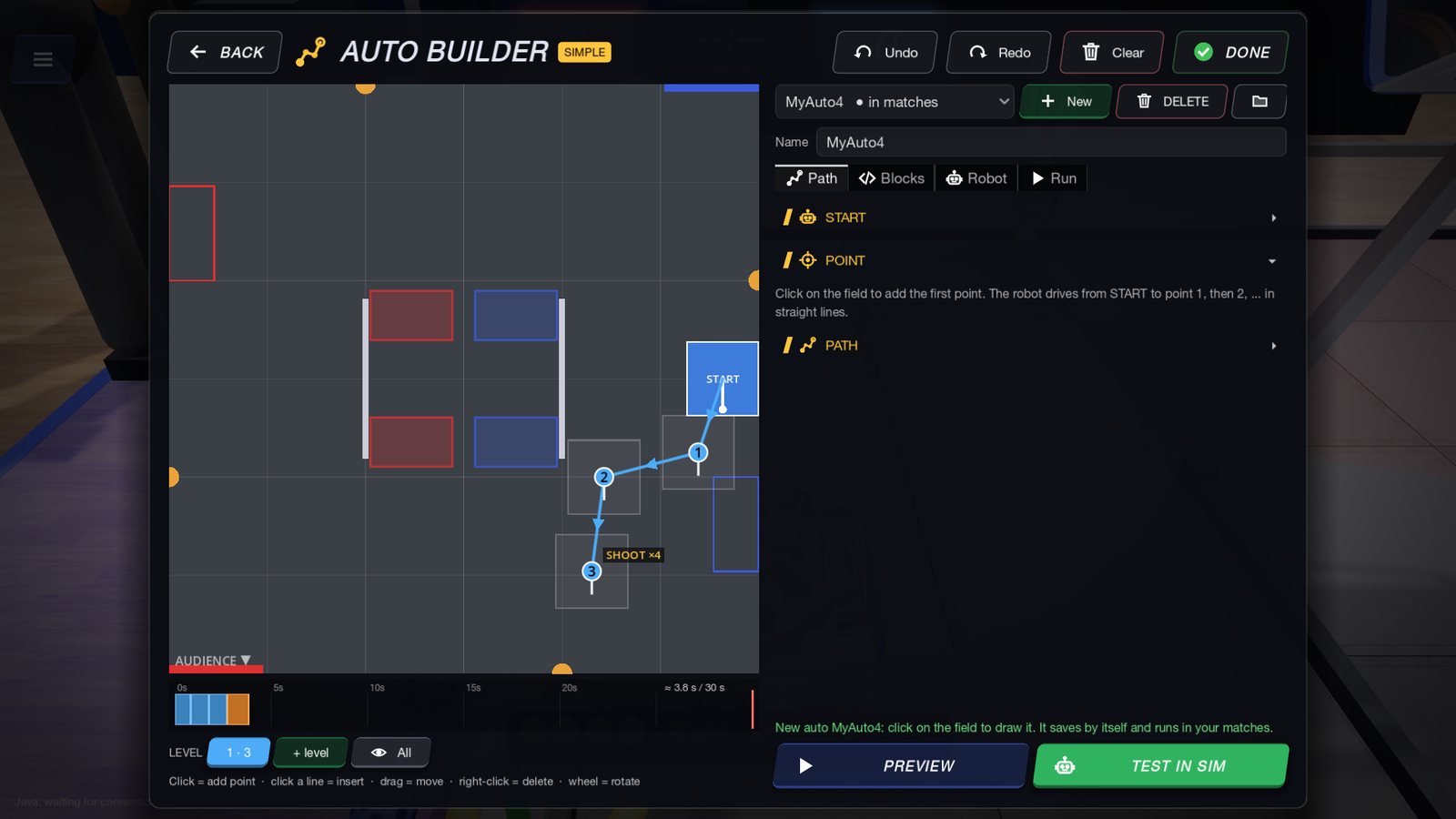
Draw the auto.
Get the code.
Click points on the field or stack blocks like go to, intake, shoot and wait until. Test it in the simulator, then take the generated Java OpMode to your robot.
- Path mode and blocks mode
- Timeline of the 30 s, so you see what fits
- One click from drawing to Test in sim
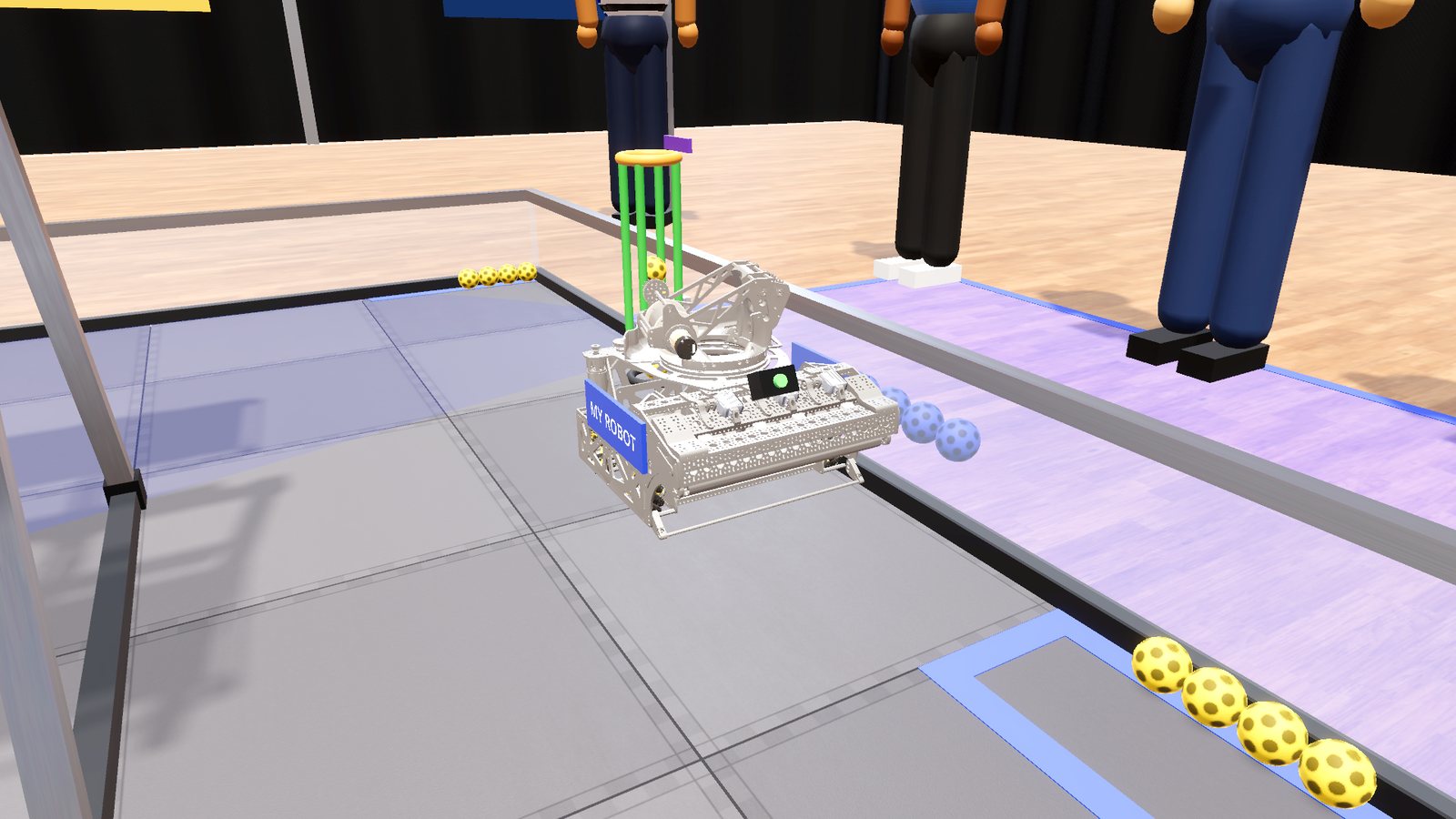
Full matches,
real pressure
2:30 matches with autonomous and driver control, bots on both alliances, scoring, fouls and a match clock. Or free play and short challenges to train your drivers.
- Gamepad or keyboard
- Records, replays and an online leaderboard
- Smooth on a laptop, sharp on a big screen
Play with your
team online
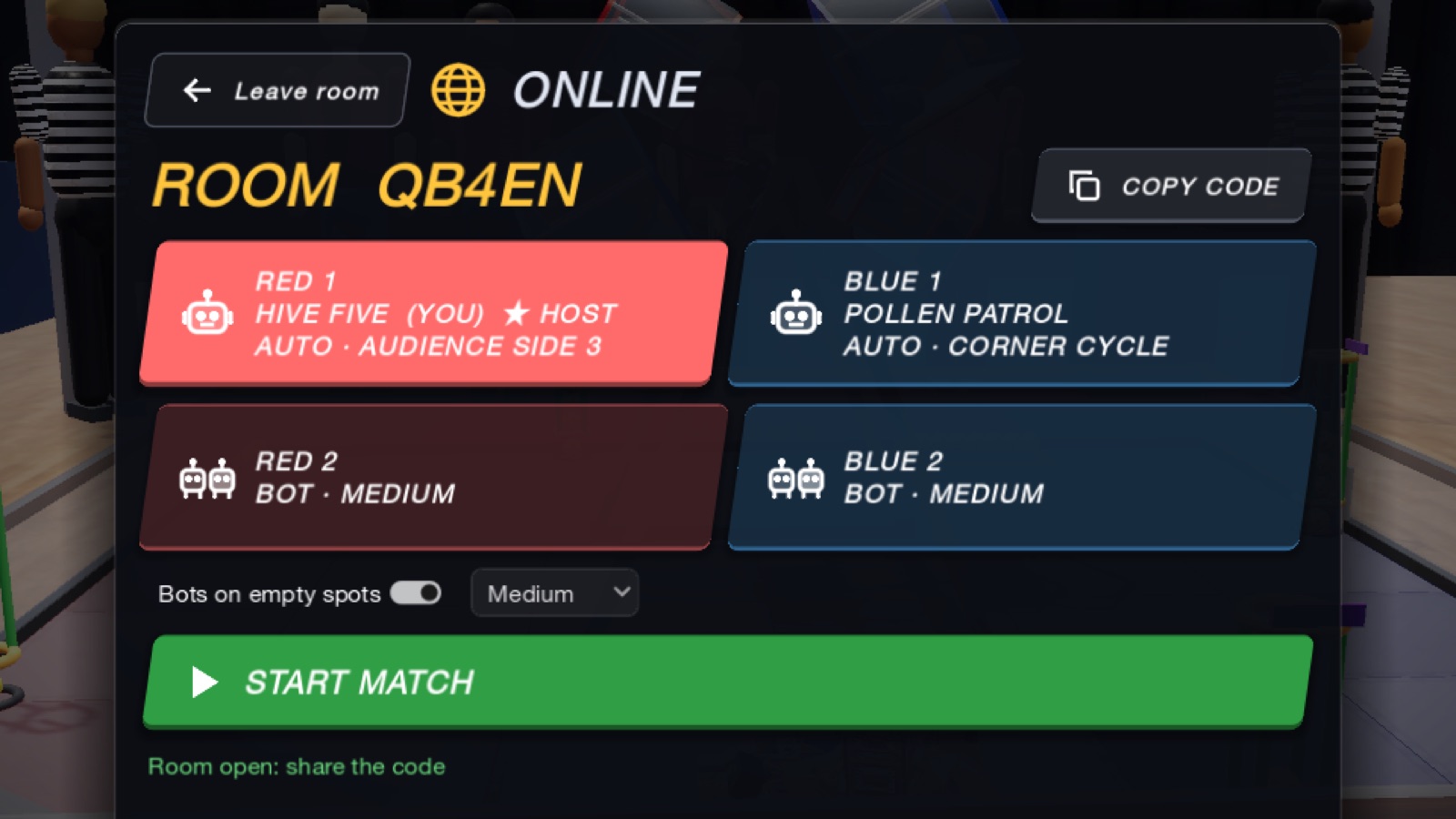
Make a private room and send the code to your friends, or jump into quick play with whoever is online. Up to four players, two per alliance, with bots on the empty spots. In AUTO, every robot runs its own player's auto.
- Private rooms with a 5-letter code, or quick play
- Your Auto Builder auto runs in AUTO, from its own START
- Your robot answers right away: it drives on your own computer
- Works across networks and countries, even on mobile data